AUv3 tube saturation for your music.
Use TubeSound in Logic Pro, GarageBand or AUM on Mac, iPhone and iPad. The Mac app can also process system audio.
One purchase for Mac and iOS.
Both versions use the same tube model. Your purchase unlocks them with the same Apple Account.
macOS
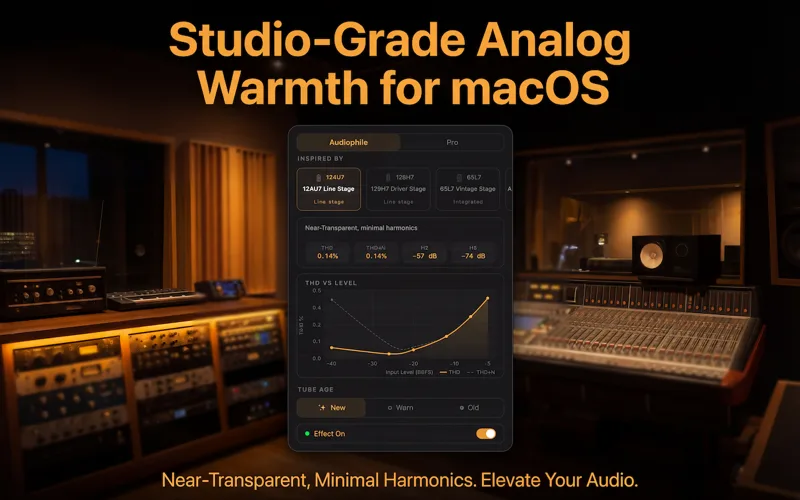
Process system audio from apps such as Spotify and Apple Music, or use the AUv3 plugin on tracks in Logic Pro and GarageBand.
iOS & iPadOS
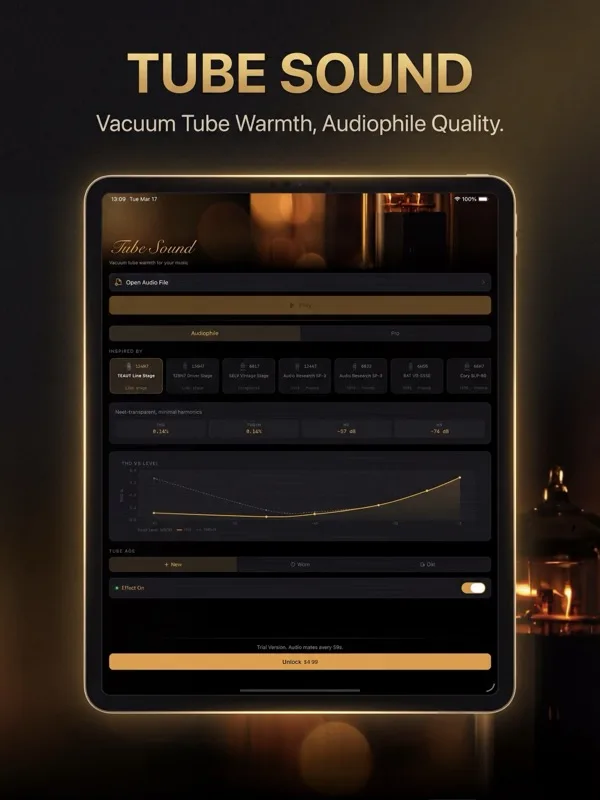
Use TubeSound on its own or load it as an AUv3 effect in GarageBand, AUM or Logic Pro for iPad. AUv3 setup instructions →
Modeled tube circuits.
TubeSound uses the Koren triode model to calculate tube distortion, with 8× oversampling to reduce aliasing.
9 tube types
12AX7, 12AT7, 12AU7, 12BH7, 6SL7, 6SN7, 6922, 6H30, ECC99. Each has its own model parameters.
Real-time THD chart
View total harmonic distortion, noise and individual harmonic levels as you adjust the controls.
8× oversampling
Saturation generates harmonics above the input signal's frequencies. Oversampling helps reduce the aliasing they can cause.
Tube aging emulation
Choose New, Worn or Old, or adjust tube variation, drift, noise and gain loss in Pro mode.
Shared PSU coupling
Both stereo channels draw from a shared virtual power supply, so a loud passage in one channel can affect the other.
Transformer saturation
Adjust the modeled output transformer's saturation, resonance and phase response.
Check the distortion curve.
The chart shows distortion against input level. Compare tube types or check how an adjustment changes the curve.
THD vs Level
Adjust the tube circuit.
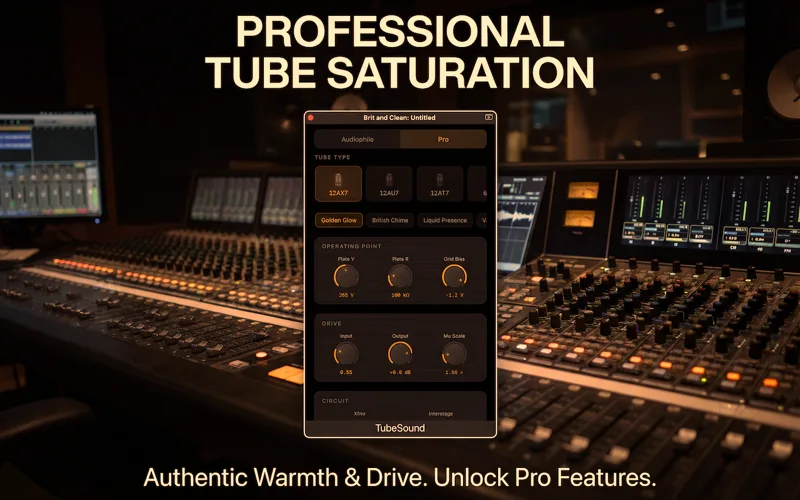
Start with a preset, then adjust the tube's operating point, power supply or output transformer.
Factory PresetsPresets for preamp saturation, guitar-amp drive and lighter hi-fi processing.
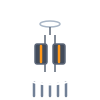
9 Tube Types 12AX7
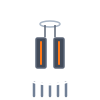
 12AT7
 12AU7
 12BH7
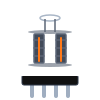 6SL7
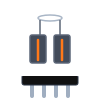 6SN7
 6922
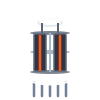 6H30
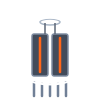 ECC99
Triode Operating Point
Set plate voltage, plate resistance and grid bias to change headroom and clipping.
Power Supply Dynamics
Adjust how much the supply voltage drops under load and how quickly it recovers.
Output Transformer
Control transformer saturation, resonance and phase shift in the bass.
Advanced Circuit
Change coupling, cathode bypass and feedback, or adjust the drive between stages.
Find a starting setting.
The Pro guide has preset recipes and a reference for every control. It also suggests adjustments for common sound problems.
Open the Pro Mode Guide →Hear it for yourself.
Listen to the demo before you download.
Available on the App Store.
No subscriptions. Buy on either platform, get both.
macOS
- System-wide: Spotify, YouTube, Apple Music, etc.
- AUv3 plugin for Logic Pro, GarageBand, etc.
- 23 Audiophile presets + Pro mode with 9 tube types
- 5 Pro factory presets + unlimited user presets
- Real-time THD chart
- Also unlocks iOS & iPadOS
- Trial: 3s silence every 60s
iOS & iPadOS
- Standalone + AUv3 in GarageBand, AUM, Logic Pro, etc.
- iPhone & iPad
- 23 Audiophile presets + Pro mode with 9 tube types
- 5 Pro factory presets + unlimited user presets
- Real-time THD chart
- Also unlocks macOS
- Trial: 3s silence every 30s
Use TubeSound in your DAW
Setup steps and audio comparisons for your host. Download each source loop and try the settings in your own session.
Before you install.
Where can I use the AUv3 plugin?
Load TubeSound in an audio-effect slot in a compatible host. That includes Logic Pro and GarageBand on Mac, GarageBand on iPhone and iPad, Logic Pro for iPad, and AUM. See the AUv3 setup guide for instructions.
Can it process Spotify or Apple Music?
Yes, through system-wide processing in the Mac app. On iPhone and iPad, use TubeSound on its own or inside an AUv3 host.
What are the trial limits?
The trial inserts 3 seconds of silence every 60 seconds on Mac and every 30 seconds on iPhone and iPad. A one-time in-app purchase removes these breaks across your devices with the same Apple Account. There is no subscription.
Which preset should I start with?
Choose a preset, play your track and adjust Input Gain. Use Output to keep the listening level similar when comparing settings. The Pro guide has starting settings for vocals, drums and mix buses.
Do I need any extra hardware?
No. TubeSound processes audio on your device and works with your existing headphones, speakers or audio interface.